Why Committing to a Car Upgrade Has Always Felt Like a Gamble
Ask anyone who has changed the colour of their car, had their windows tinted, or invested in a custom interior, and you will hear the same honest admission: there was a moment of uncertainty before the work began. A colour swatch on a screen looks very different from three square metres of vinyl wrapping an entire hood. A leather sample in your hand tells you almost nothing about how a full cabin refit will read in the morning light. And a wrap shop’s portfolio, however impressive, is filled with other people’s cars — not yours.
That gap between imagination and reality is one of the most consistent friction points in automotive customisation. It creates hesitation, last-minute changes, and — in the worst cases — expensive regret. The question has always been: how do you know what something will look like on your specific car, in your specific colour, before you spend the money?
Augmented reality has a convincing answer to that question. AR-assisted vehicle customisation tools allow you to preview wraps, paint finishes, window tints, wheel upgrades, and even interior changes on a live camera view of your actual car — in real time, using nothing more than a smartphone or tablet. It is one of the most practically valuable technological shifts to hit the automotive styling world in years, and its adoption is accelerating sharply in 2026.
How AR Customisation Tools Actually Work
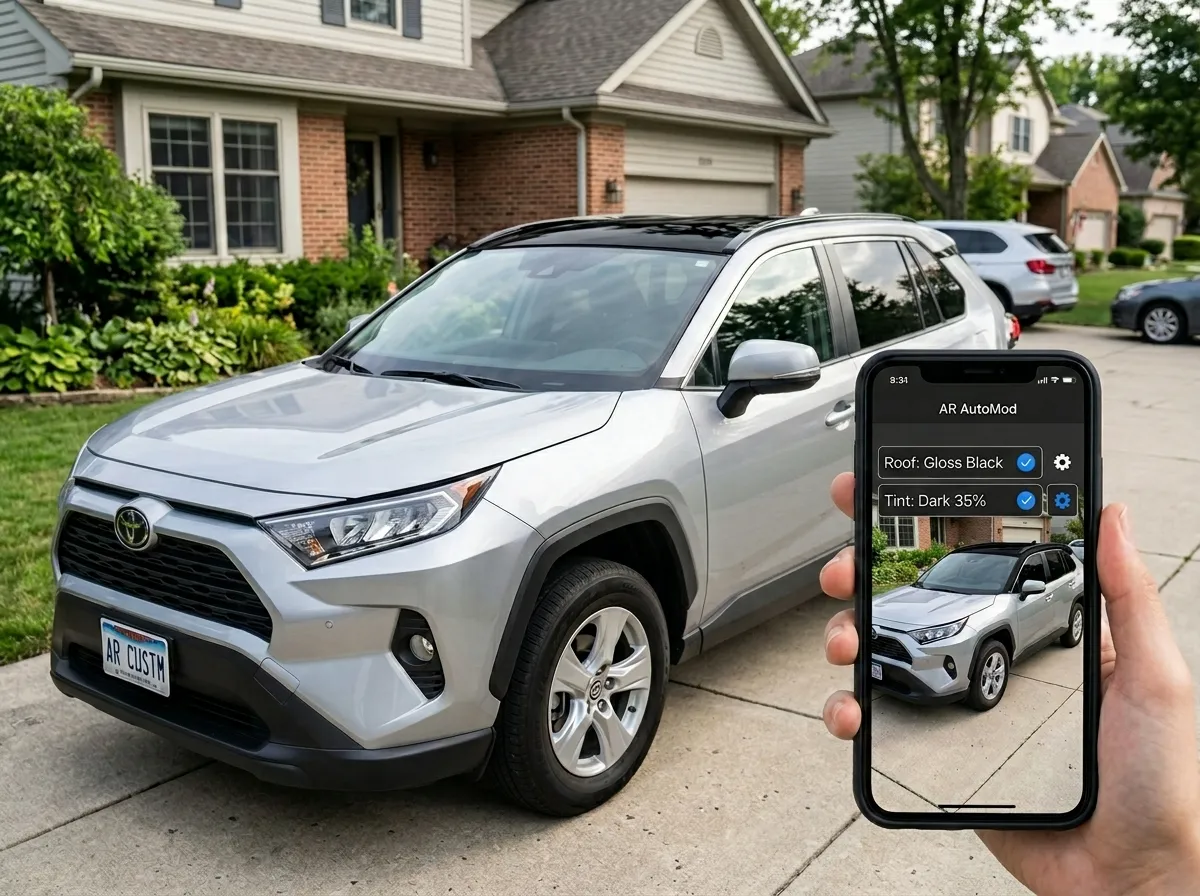
Augmented reality in this context works by layering a computer-generated visual element over a live camera feed, anchoring it to a real-world object — in this case, your vehicle. The software identifies the car’s body panels, edges, and contours using computer vision, then maps the chosen finish, colour, or modification onto those surfaces in real time as you move the camera around the vehicle.
The technology behind the preview
Modern AR car visualisers use a combination of 3D vehicle model databases and real-time surface mapping. When you point a smartphone camera at your car, the application recognises the make, model, and trim, then overlays a photorealistic 3D skin — your chosen wrap colour, tint level, or wheel design — onto the vehicle’s actual surfaces as seen through the lens. The result is a preview that moves, reflects light, and changes perspective as you walk around the car, giving you a far more accurate impression of the final result than any static render or mood board could provide.
What devices support it
Most modern AR customisation tools run on standard iOS and Android smartphones and tablets from the last four to five years. Apple’s ARKit and Google’s ARCore — the underlying frameworks that power AR applications on both platforms — have matured significantly, delivering the surface-tracking accuracy needed for convincing vehicle previews. No specialist hardware is required. The camera and processing power in a current-generation smartphone is sufficient for a high-quality preview session.
Manufacturer and aftermarket adoption
Major manufacturers were early adopters. Porsche’s AR Visualizer app allows customers to configure and place a photorealistic 3D model of their chosen car in their own driveway. Audi developed a full AR configurator that lets buyers explore 360-degree exterior and interior configurations before placing an order. As Spyne’s automotive AR guide documents, the technology has moved well beyond manufacturer showrooms and is now actively being adopted by aftermarket customisation shops as a sales and consultation tool — allowing customers to preview modifications at the point of discussion rather than weeks after a deposit has been paid.
What You Can Preview Using AR Tools
The practical scope of AR customisation previews has expanded considerably as the underlying technology has matured. What began with basic colour-change previews now covers a broad range of the modifications that auto styling centres perform most frequently.
Exterior wrap colours and finishes
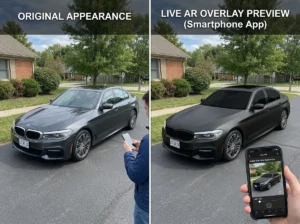
This is where AR customisation delivers its most dramatic value. Choosing between a satin midnight green and a matte deep blue on a paint chip is almost meaningless — both look similarly dark in a small sample. Previewing them across the entire surface area of your car, in your actual environment, under current lighting conditions, is an entirely different experience. Full-body wraps, partial wraps, two-tone schemes, and panel-specific accents can all be visualised before a single sheet of vinyl is cut. If you have been considering one of the more adventurous iridescent and chameleon wrap finishes but hesitated because you were unsure how they would read on your specific car, an AR preview resolves that uncertainty immediately.
Window tint levels
Tint is one of the most common areas where customers second-guess themselves. The difference between a 35% and a 20% tint is significant from the outside, but difficult to judge from a sample swatch. AR tint preview tools allow you to dial in the exact VLT percentage and see precisely how it changes the appearance of your car’s side windows, rear glass, and windshield — before any film is cut or applied. This is particularly useful for drivers who want the darkest legal tint for their jurisdiction while ensuring the result still reads as intentional rather than excessive.
Roof wraps and accent panels
The roof is often the last panel a driver thinks about, and the first one other people notice. AR tools make it easy to preview a contrasting gloss black roof section, a carbon fibre panel, or a full panoramic roof wrap effect without climbing a ladder or relying on your imagination. The difference between a roof wrap that reads as intentional and one that looks like an afterthought is usually proportion — and seeing it to scale on your actual vehicle makes that judgement instinctive rather than abstract.
Wheel and trim finishes
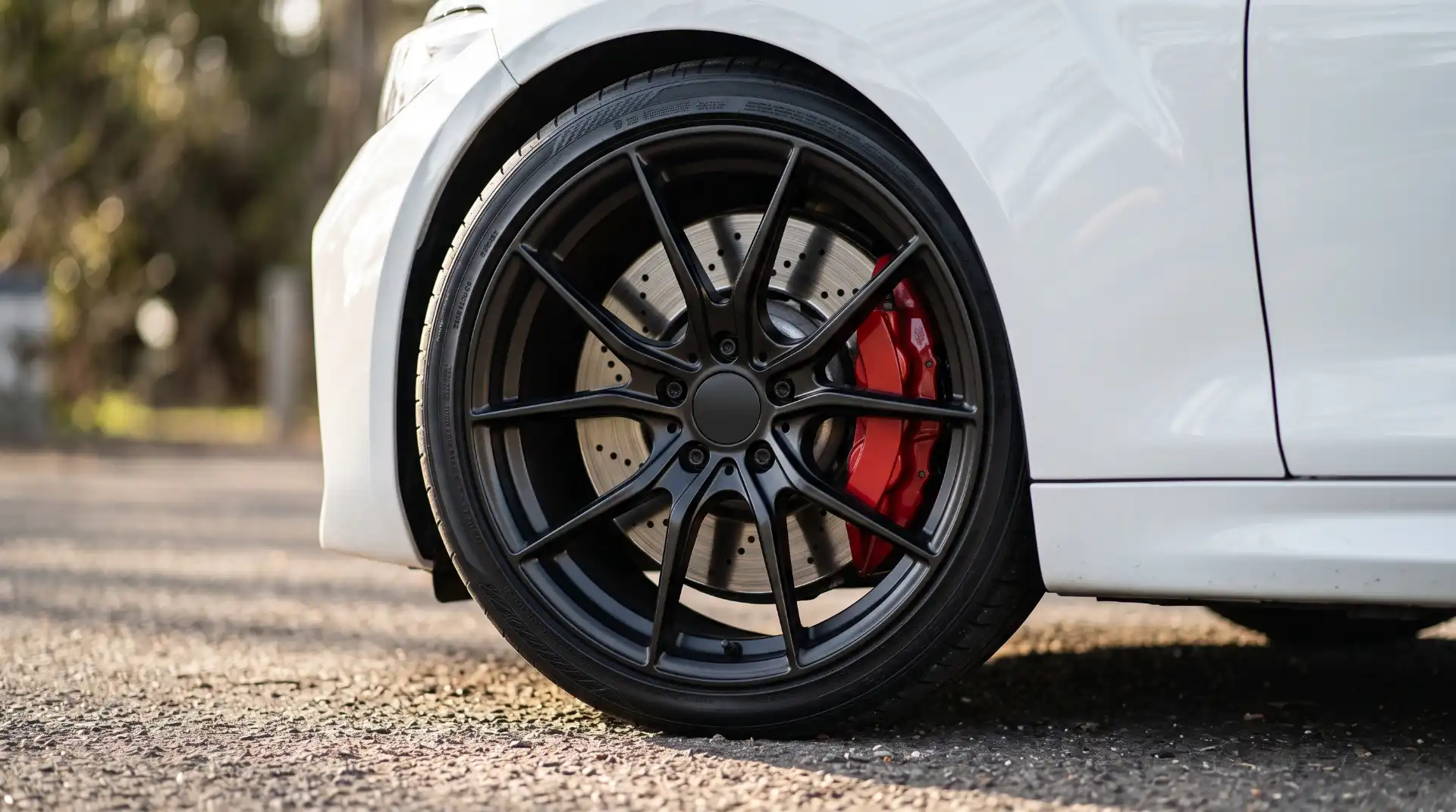
Alloy wheel designs and finishes have a disproportionate effect on a car’s overall stance and character, but they are expensive to change. AR wheel visualisers — now available through several tyre and wheel retailers — allow you to try multiple designs and finishes across a range of sizes against the actual profile of your vehicle before spending anything. The same principle applies to chrome-delete trim, mirror caps, grille finishes, and other exterior accent elements that define a car’s personality.
Interior upgrades
AR interior visualisation is more technically demanding than exterior previewing, but the technology is mature enough to handle seat upholstery colour previews, dashboard trim finishes, and ambient lighting effects in reasonably photorealistic form. For a customer considering a custom leather interior upgrade, the ability to see a chosen hide colour and stitching pattern across the actual seat surfaces of their specific car model — rather than relying on catalogue photographs — is a significant confidence builder in the decision-making process.
The Real Benefits for the Customer

The most obvious benefit of AR-assisted customisation is the reduction of risk. Committing thousands of dollars to a modification that turns out to look wrong is an experience no one wants to repeat. But the advantages go further than simply avoiding regret.
Faster, more confident decision-making
The consultation process between a customer and a styling shop traditionally involves a significant amount of back-and-forth — samples, renders, revised quotes, more samples. AR condenses much of that process into a single session. When a customer can see the result in real time, decisions that would otherwise take days of deliberation often resolve themselves within minutes. The chosen finish either looks right or it does not — and that clarity is immediately apparent to both the customer and the installer.
Better communication between the customer and the installer
One of the persistent challenges in custom automotive work is the gap between what a customer imagines and what an installer understands. “Something dark but not too dark, a bit like the car I saw last week” is not a useful brief. An AR preview session gives both parties a shared reference point — a specific, visible result that both can agree on or refine together before any materials are ordered. This alignment dramatically reduces the likelihood of rework and the friction it creates.
Exploring combinations you would never have considered
Many of the most striking custom cars are the product of combinations that seemed counterintuitive on paper. A warm bronze wrap with a contrasting satin black roof. A textured carbon fibre bonnet on a daily-driver hatchback. An iridescent teal finish on a full-sized SUV. These ideas are easy to dismiss in the abstract and easy to fall in love with once you can actually see them. AR removes the mental barrier between “I could never pull that off” and “actually, that looks incredible.” As AI and technology continue to shape the customisation industry, AR visualisation is becoming one of the clearest examples of technology genuinely improving the customer experience rather than just adding complexity.
From Preview to Professional Installation
AR tools are most valuable when they are the beginning of the process, not the end. A preview session gives you confidence and clarity — but translating that visualised result into a finished, professional installation requires the skills, materials, and experience of a qualified auto styling team.
Why the preview is not the finished product
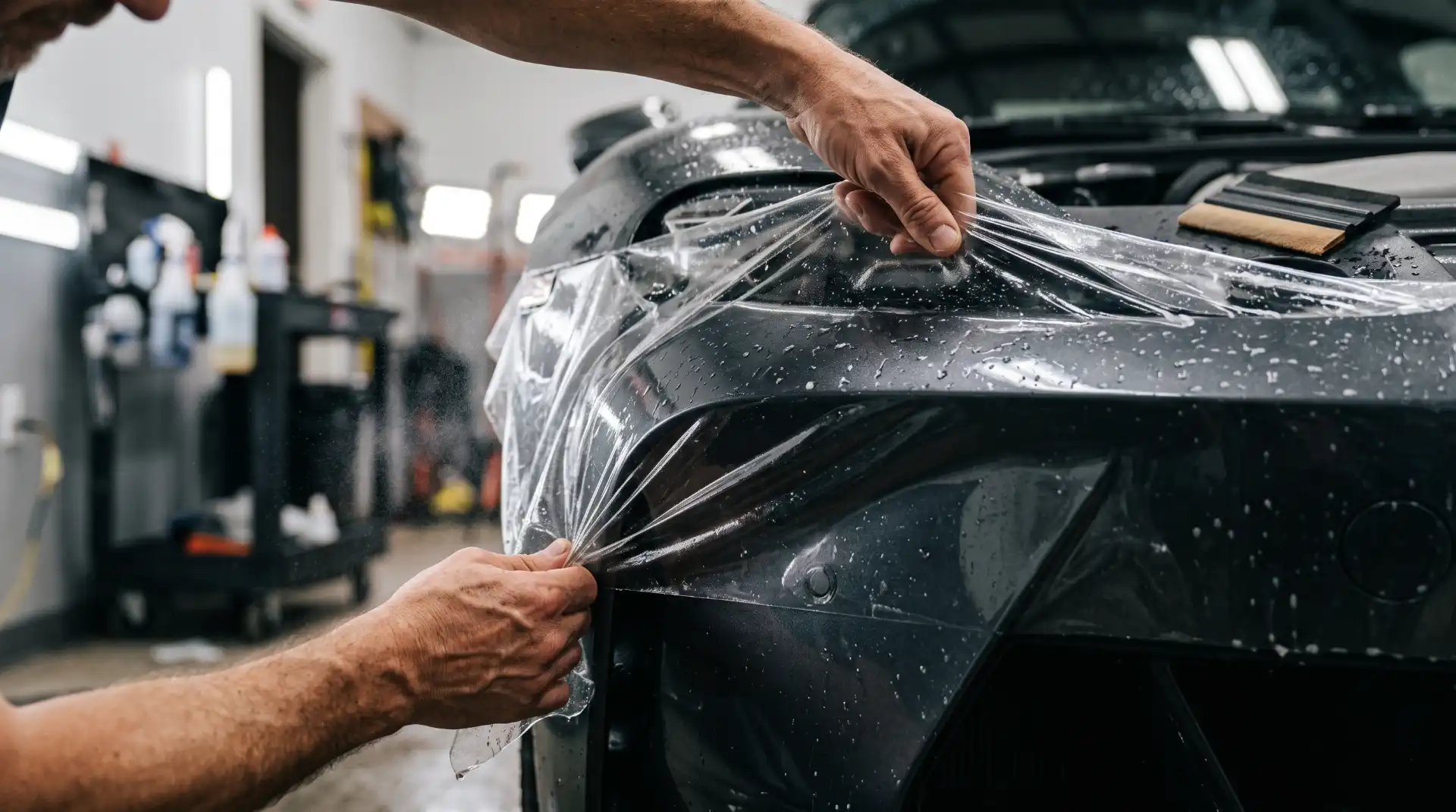
An AR overlay shows you what a modification could look like. The actual result depends on material quality, surface preparation, the precision of the installation, and the behaviour of the chosen film or finish in real-world conditions. A satin wrap on screen will reflect light slightly differently from a satin wrap on a freshly prepped panel. A tint preview will not account for the internal reflections of a complex curved rear window. Understanding that the AR preview is a high-quality approximation — not a pixel-perfect guarantee — is important, and a good installer will walk you through those nuances before work begins.
Using the preview as a brief
The most practical way to use an AR session is as a living brief for your installer. Take screenshots, note the specific finish codes and percentages that looked right, and bring those references into your consultation. That shared visual vocabulary makes the entire project more efficient and reduces the margin for misunderstanding. Whether you are considering a full exterior wrap, a partial colour-change, professional window tinting, or a complete interior transformation, arriving at your appointment with a clear idea of the outcome you want puts both you and your installer in the best possible position to achieve it.
AR-assisted vehicle customisation is not just a novelty feature — it is a genuinely practical tool that makes the entire modification experience smarter, faster, and more satisfying. If you are thinking about your next upgrade and want to explore what is possible before committing, get in touch with the ASC styling team to discuss your options and start planning your transformation with confidence.